


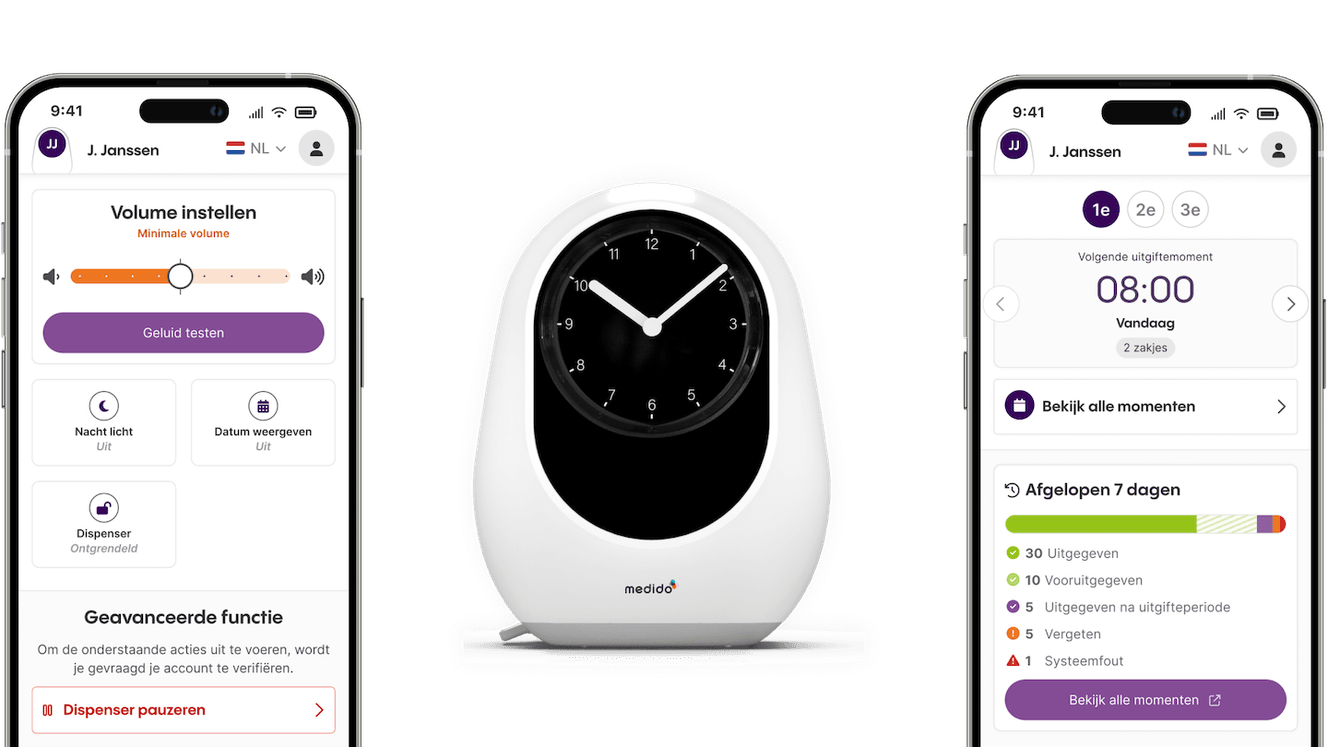
MedidoHealthTech
Design
We design portals, apps and platforms that feel obvious to use. With AI we move quickly from a first sketch to a clickable prototype you can test, so you see what works before anything gets built.
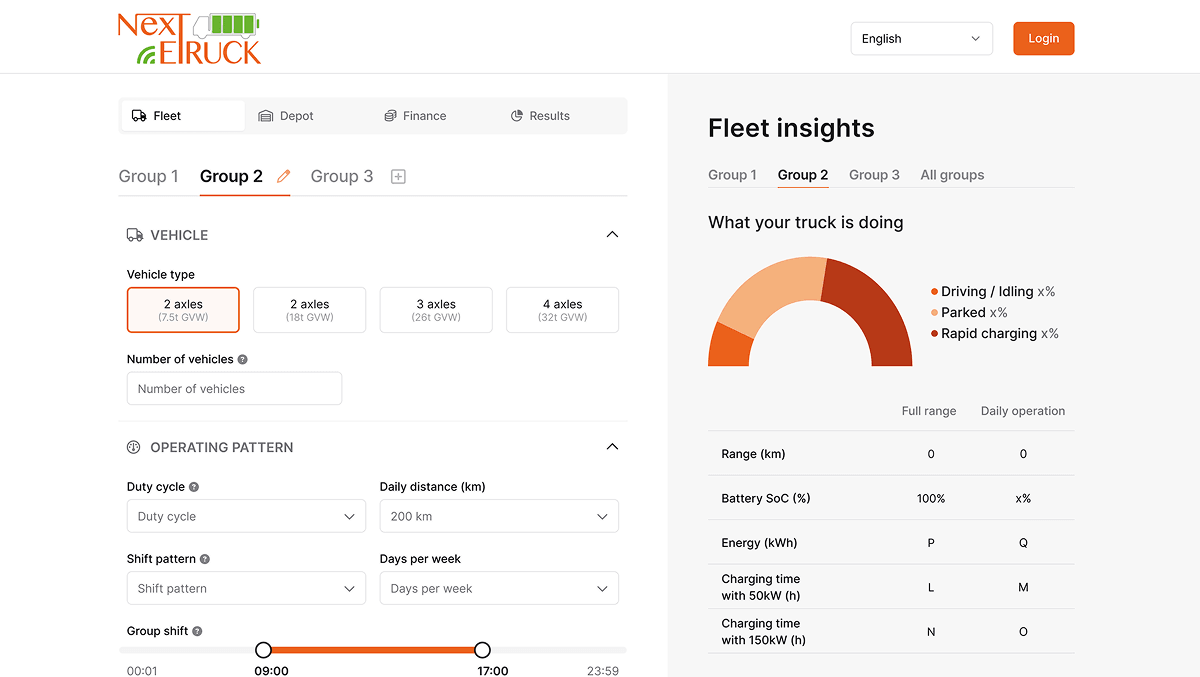
What we design
Design at Bootmine is never decoration. Every screen solves a problem for the people using it, and is ready to be built by developers in the same team.
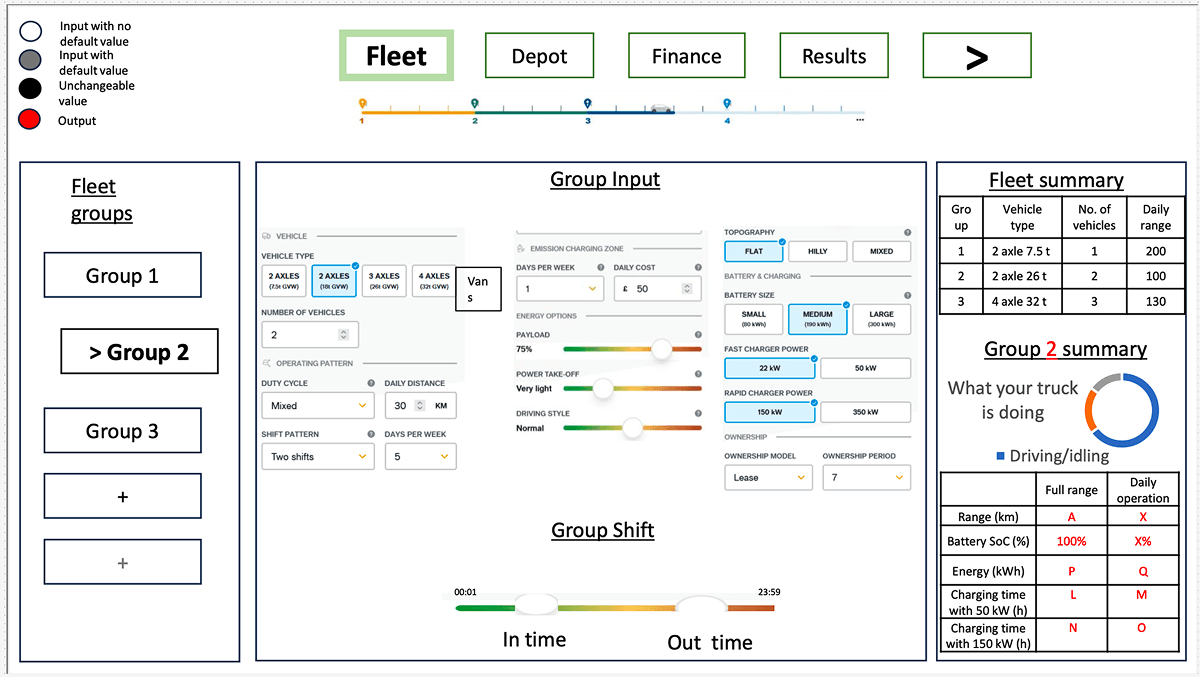
User flows, information architecture and wireframes that make complex processes feel simple.
User flows and wireframes
A visual design that fits your brand, works on every screen size and meets WCAG 2.1 AA.
Responsive designs in Figma
Reusable components and design tokens, so your product stays consistent as it grows.
A component library and tokens
Clickable prototypes to test with users and stakeholders before development starts.
A clickable prototype
Selected work
From self-service apps in healthcare to 3D configurators in retail. Swipe through a selection of products we designed and built.
MedidoHealthTech
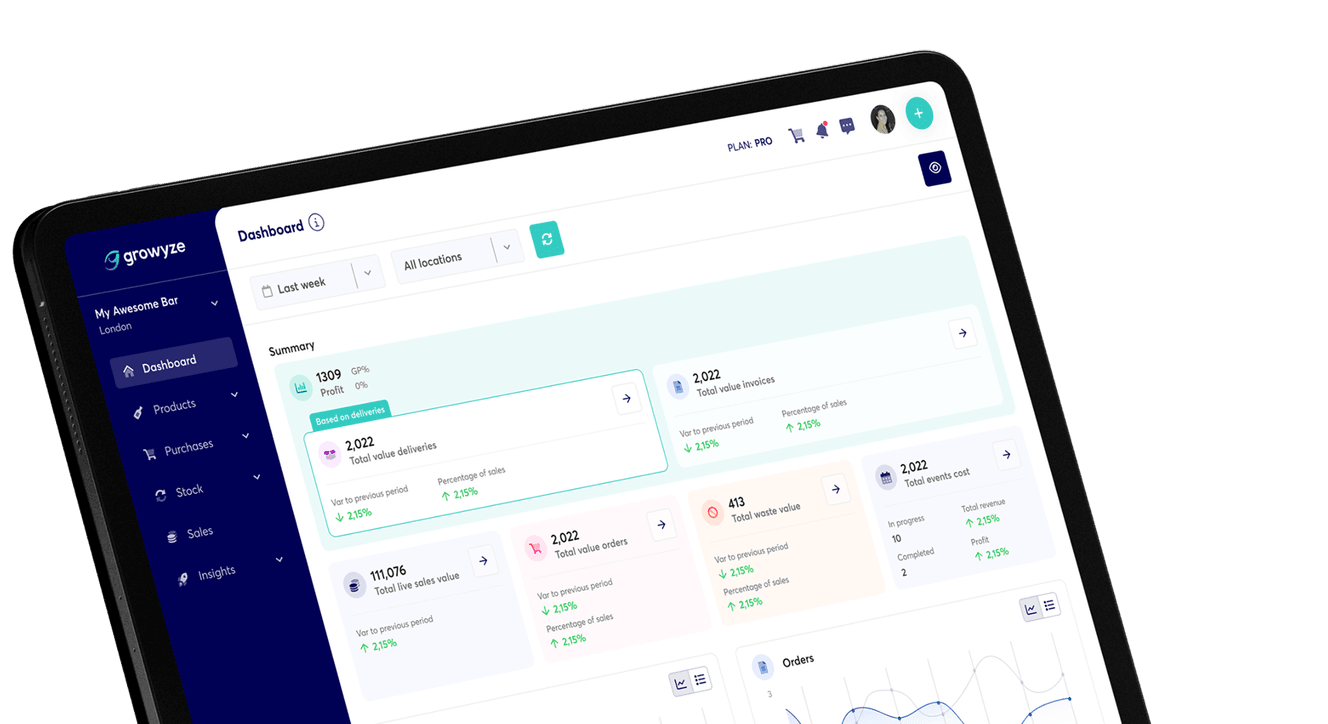
GrowyzeHospitality
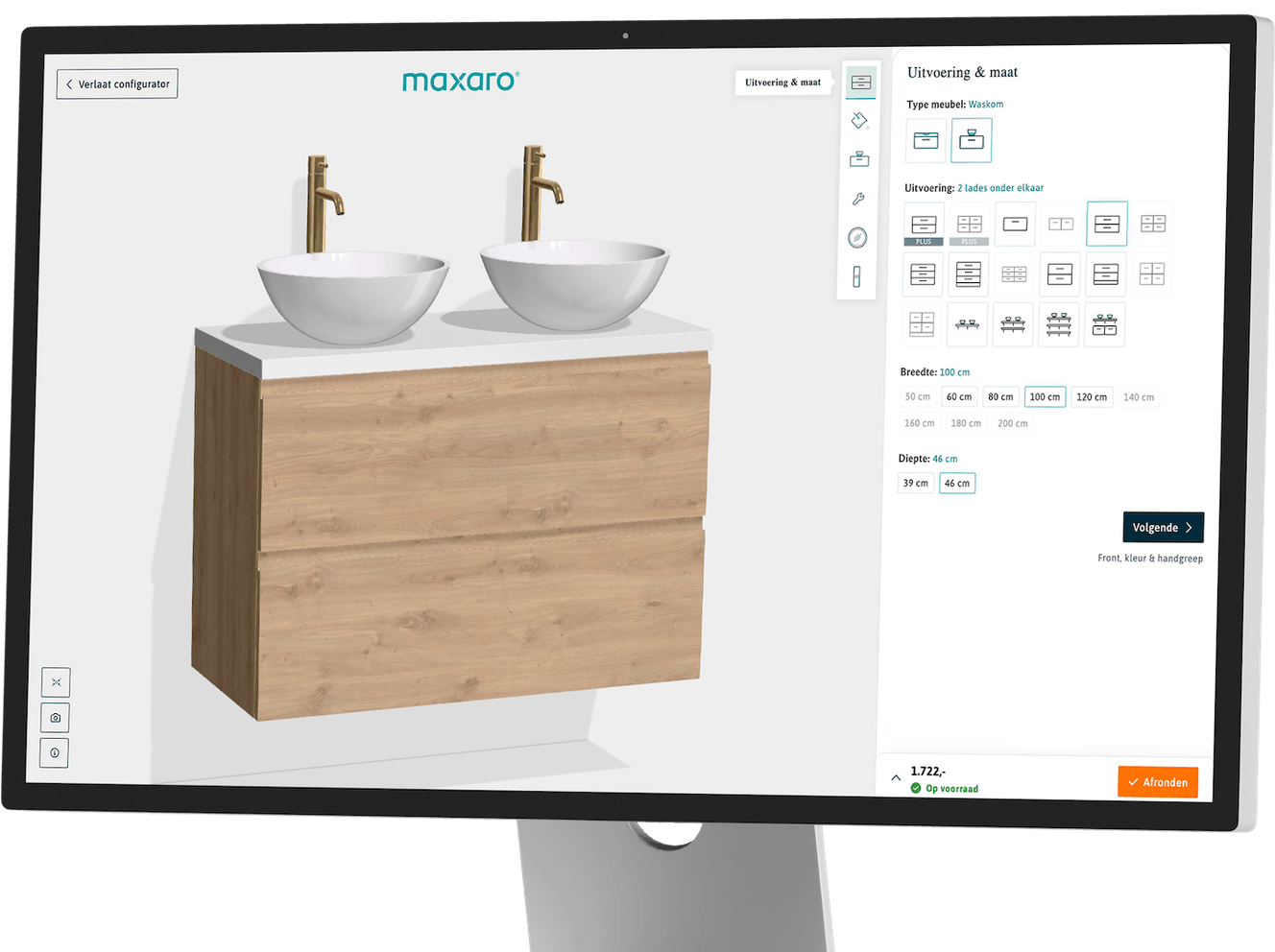
MaxaroE-commerce
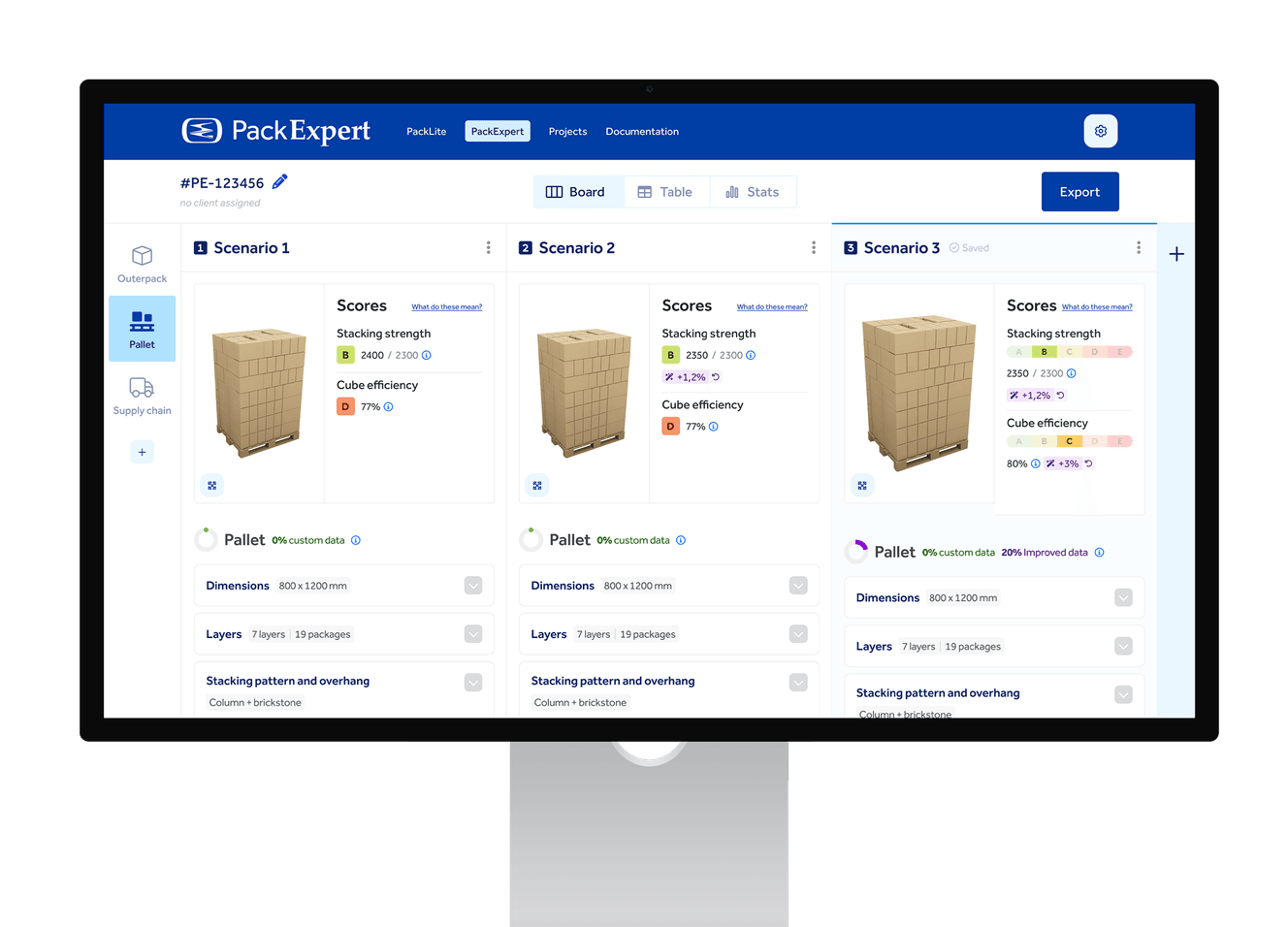
Smurfit WestrockLogistics
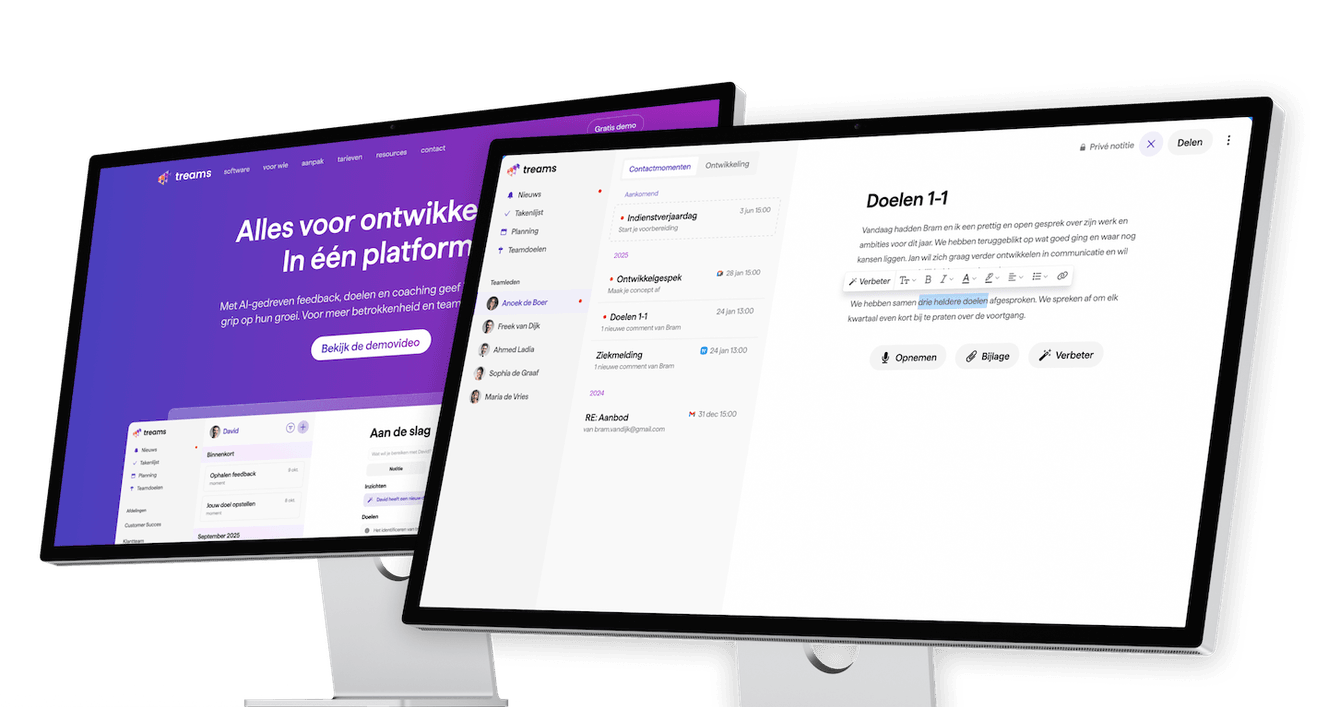
TreamsHR Tech
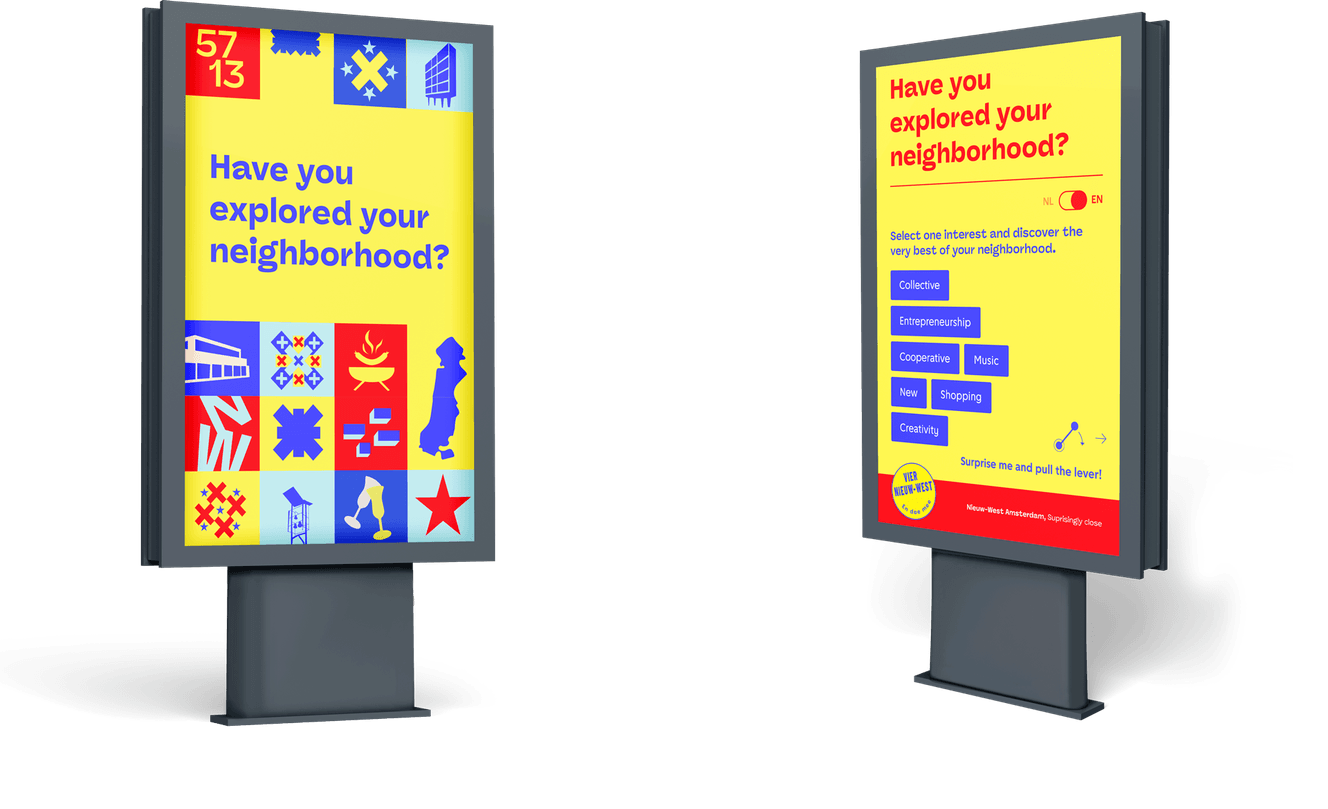
Gemeente AmsterdamSemi-government
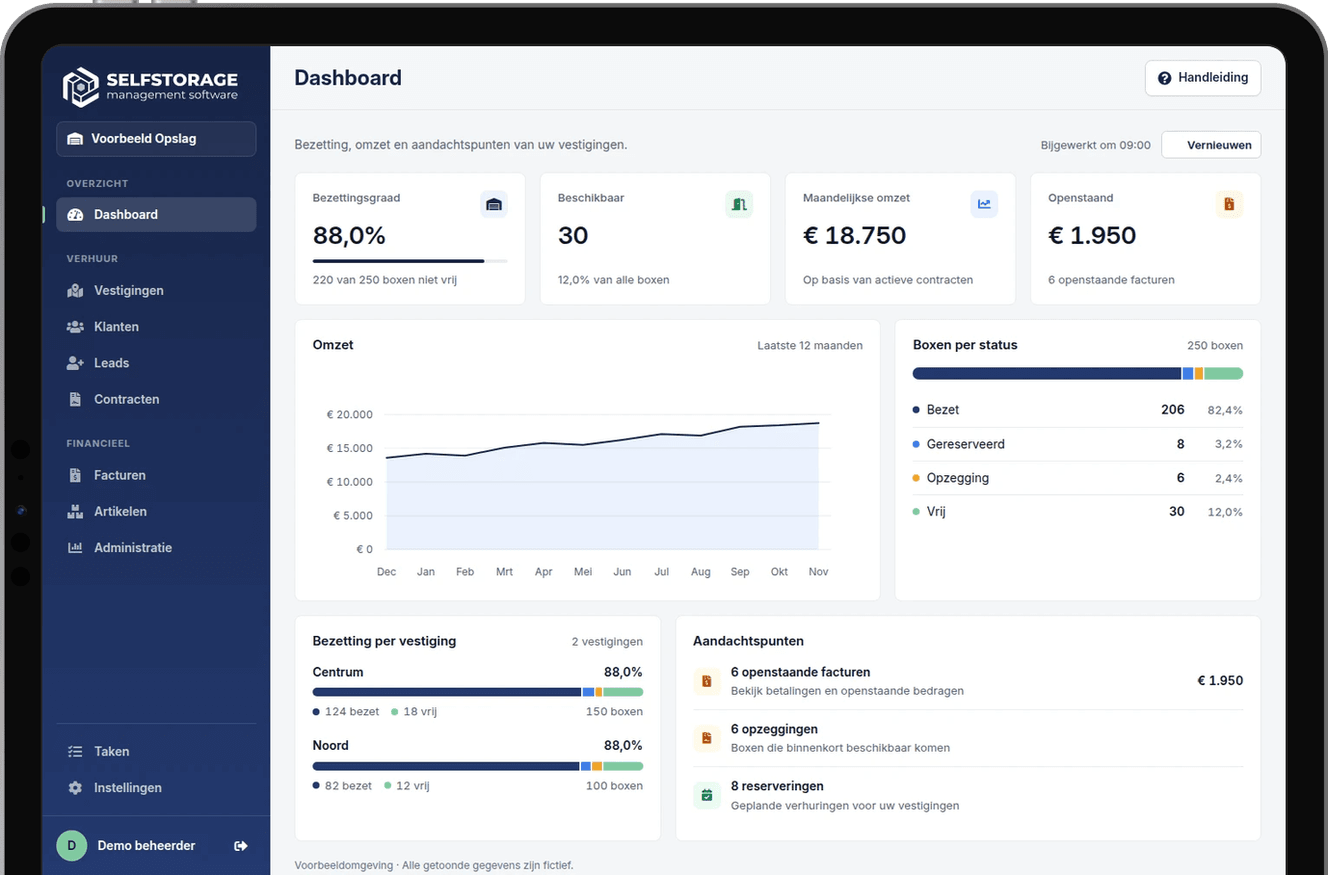
SelfstorePropTech
Our process
Every project follows the same rhythm, scaled to what you need. You see progress every week and can steer at every step.
We map goals, users and constraints, often starting with a short workshop or research.
Quick sketches and wireframes to explore ideas before anything gets polished.
We turn the chosen direction into a visual design that fits your brand and works on every screen.
A clickable prototype makes the experience tangible for users, stakeholders and developers.
We test with real users, refine, and hand over designs and components developers can build right away.
AI-assisted prototyping
AI helps us generate variations, fill screens with realistic content and turn designs into working prototypes faster. A senior designer stays in control of every decision, so speed never costs quality.
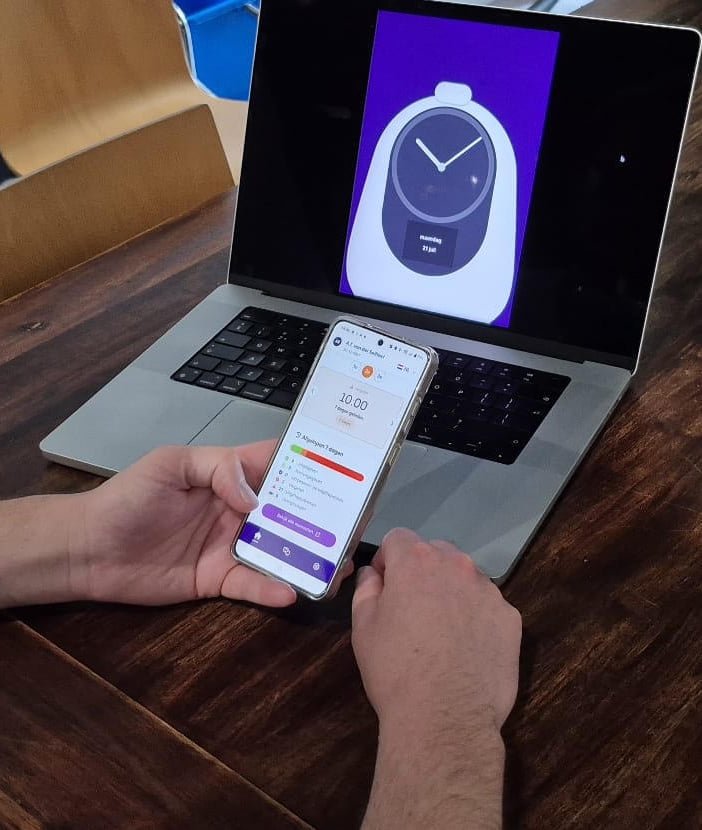
Accessibility built in
WCAG 2.1 AA asks for a contrast of at least 4.5:1 for normal text. We check every colour pair in our designs. Pick two colours and see how they score.
Large text needs 3:1
Normal text, like this sentence, needs at least 4.5:1 to stay readable for people with low vision.
Contrast ratio1.4:1
“Een uitstekende partner voor software- en webdesign. Communicatie verloopt soepel, creatieve oplossingen worden geboden, en technische expertise is altijd up-to-date.”
Just need extra design capacity in your team? Hire a UX designer
Start with your idea
Choose what comes closest. We will ask a few focused questions and suggest the quickest way to something you can see and test.
 Rather talk first?Book a call with Ruben(opens in a new tab)
FAQ
You can start with a clickable prototype from €850 (excl. VAT). The total depends on the number of screens and flows, whether a design system is needed and how much testing is involved. After a short intake you get a proposal with a clear scope and price.
A clickable prototype of a few key flows is often ready within one to two weeks. A complete product design usually takes several weeks, delivered in steps so you can give feedback along the way.
You do. We work in Figma and hand over all files, components and assets, so your own team or another party can continue with them.
Yes. We design with development in mind and hand over specifications, components and design tokens your developers can use directly. If you prefer, our own developers build it.
Not always. For a small website a style guide is often enough. Once several teams or products share the same interface, a design system saves a lot of time and keeps everything consistent.
Yes. We design to WCAG 2.1 AA: sufficient contrast, readable text sizes, clear focus states and layouts that also work with a keyboard and screen reader.
Yes. Design works best when it starts from real user insights, so we often combine it with interviews, usability tests or an expert review. See our research page for the methods.

